
 UA


 +38 (097) 350 57 42
Server setup and administration
setup $25/hr · administration from $400/mo
We set up and manage servers for self-hosted CRM and ERP systems, accounting software, websites and other applications. A server outage can interrupt access to applications and data. Email hosted separately can keep working.
We size a VPS or dedicated server for your systems, configure Linux or Windows Server, and migrate your software and data. We set up access permissions, security, backups and monitoring.
We can also take over maintenance of an existing server. First, we check what it runs and which systems can only be offline briefly. Then we agree on a maintenance plan with you.
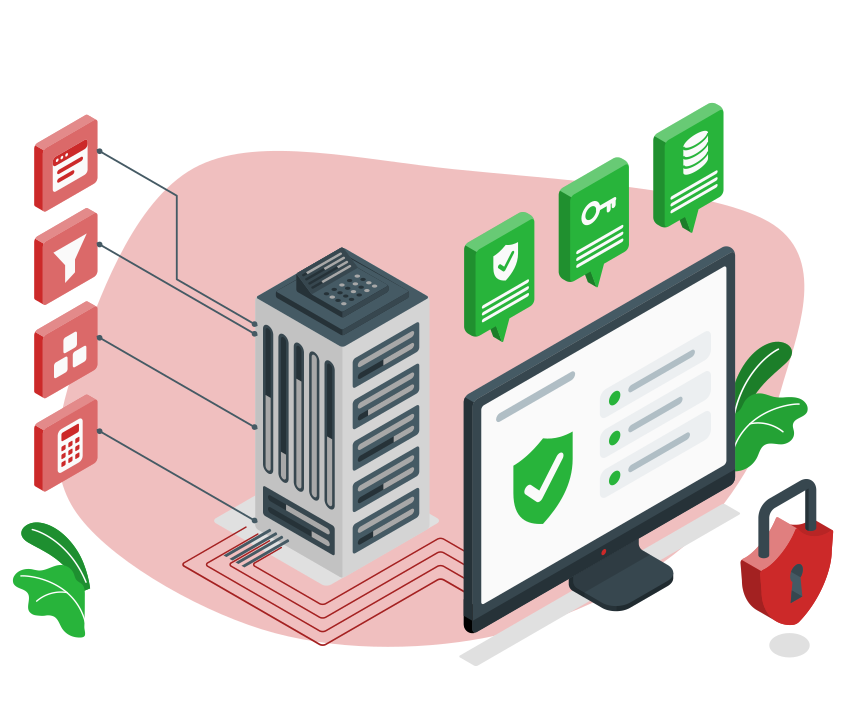
Server management for CRM, ERP and business applications

Why clients come to us
You can run Odoo CRM, SuiteCRM or ERPNext on your own server or in your cloud account. We size and configure the server for your software requirements, database size and number of users. For changes to a website or web application, we offer project support.
Server setup and project migration
Server security and access management
Monitoring, backups, and maintenance
Windows Server for accounting software
Our best work
911 Balsam


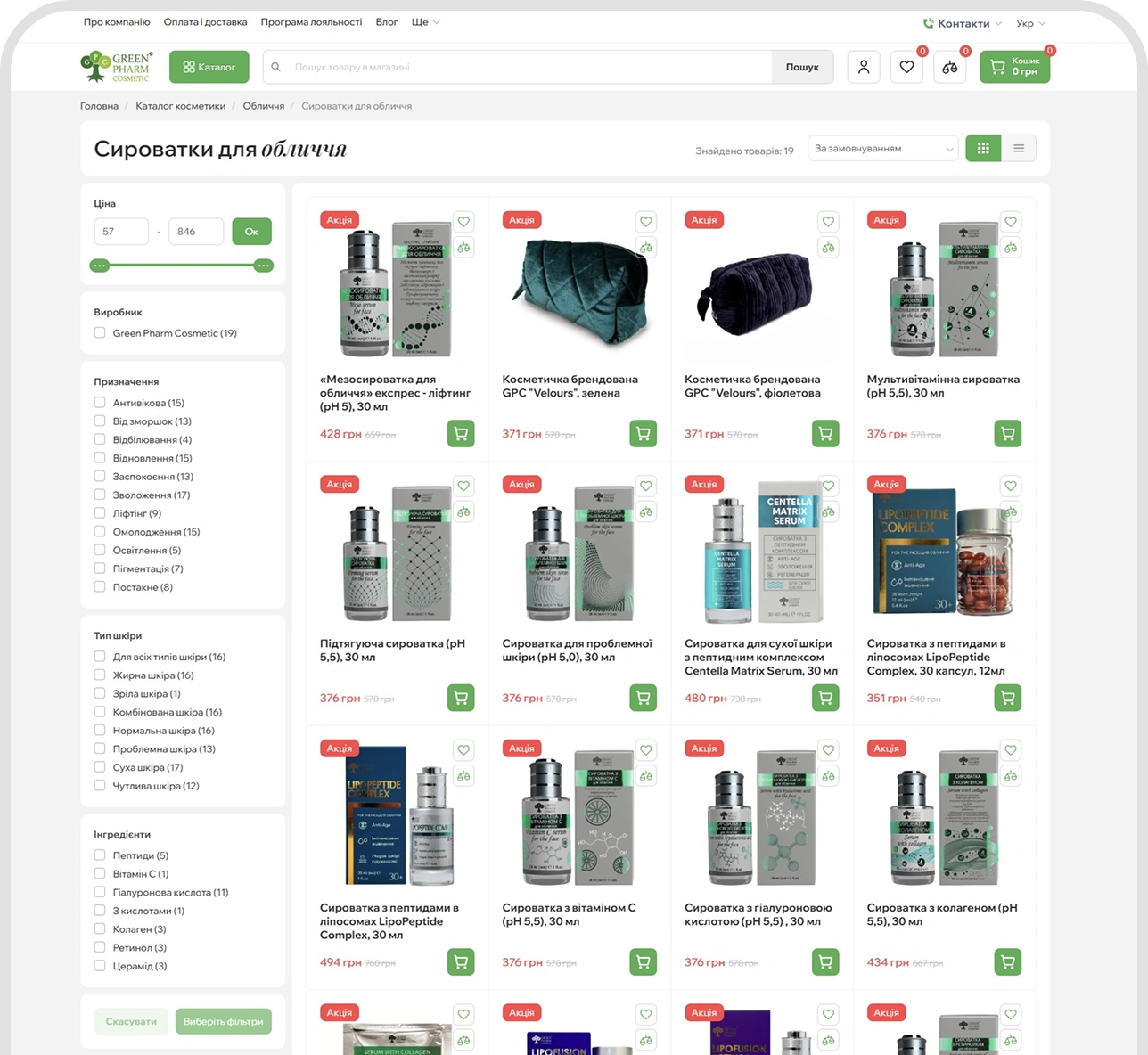
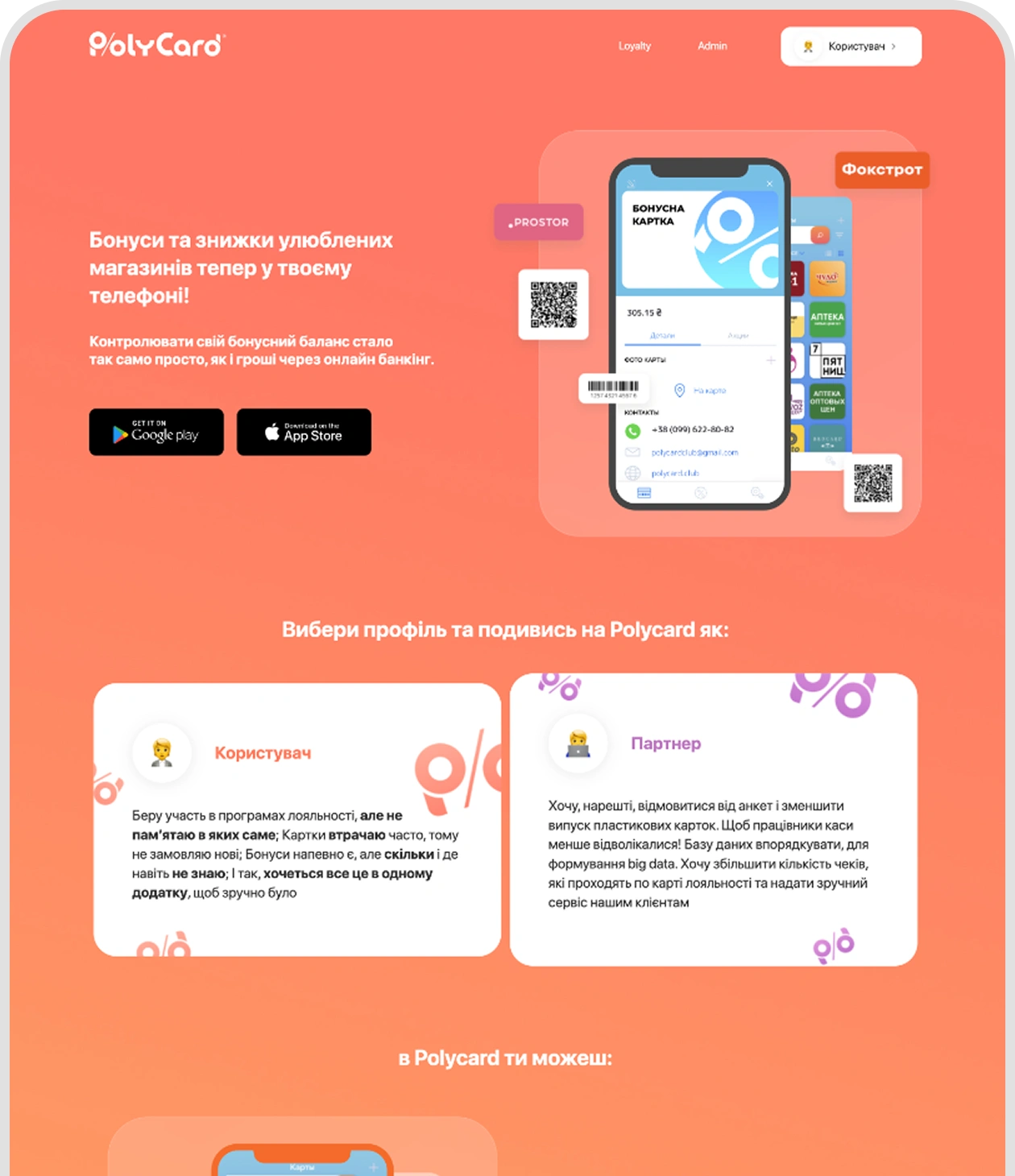
Polycard


Getcovers



Unique Build



Reviews from our clients











How much does server setup and administration cost?
- Critical outages Handled as a priority, even on weekends
- Scheduled work Operating system and server software updates and compatibility checks count toward your plan hours
- Extra hours Beyond the plan's limit, billed at $25/hr, the same as hourly work
- 20 hours of work per month
- Response within 4 business hours
- Support Mon–Fri 9:00–18:00 Kyiv time
- Scheduled backups, checked once a month
- 30 hours of work per month
- Response within 2 business hours
- Support Mon–Fri 9:00–20:00 Kyiv time
- Weekly backups, test restore once a quarter
- 40 hours of work per month
- Response within 1 hour. We respond to critical outages within 30 minutes during support hours.
- Support daily 8:00–21:00 Kyiv time
- Daily backups, independent copy off the server
You pay the provider for the server and backup storage, and the software vendor for licenses. Response time is counted from your request to the moment we start working on it. Support hours are in Kyiv, Ukraine time. Unused hours carry over to the next month, but only for one month: if you used 10 of your 20 hours, next month you will have 30.
Tell us about your project and we will estimate the cost and timeline
Questions and answers
We check CPU usage, memory and disk performance. We compare those readings with application response times, database queries and error logs. We explain what is causing the slowdown and recommend what to change.
The timeline depends on how many systems you are moving, how much data they hold and how long they can be offline. We give you a timeline after reviewing the server and put it in the contract before work starts.
We move the data and test your software on the new server first. We agree on a time when the systems are least busy. If the migration allows it, we keep downtime to a few minutes. For a website or email migration, we separately plan the DNS update and how to transfer data that comes in during the switch.
The price depends on the number of projects on the server, the services you need, any migration, and the amount of regular work. Hourly work without a monthly plan is billed at $25, with a minimum of 1 hour. Monthly plans include 20, 30, or 40 hours of work for $400, $600, or $800, which works out to $20 an hour. Hours beyond the limit are billed at $25, and unused hours carry over to the next month. We calculate the cost after reviewing your server and put it in the contract.
Yes. Setup, migration, and incident analysis are billed hourly, with no subscription. But then nobody watches the server between requests, we do not run monitoring or verify backups, and you will be the first to learn about a problem.
With a review. We look at the system and service versions, how access is configured, the state of backups, free space, and the error logs. The initial review and a rough estimate are done before the contract and are not billed separately. A full audit with a list of problems and priorities is quoted as separate work.
It depends on each system’s workload and requirements. Several smaller systems can share one server. If an application or database needs its own resources, we can recommend a dedicated server. There is no separate charge for each project, but more systems take more of your plan hours to maintain. We recommend a plan after reviewing the server, based on workload and the response time you need.
Monitoring checks the server around the clock and immediately alerts both us and you about an outage. On a monthly plan, we take on a critical outage first thing in the morning, even on a weekend. Critical means the server is not responding or the project is down. Regular tasks are handled during your plan’s support hours.
Yes, both. We can work with your current provider or help you choose a server in Europe or the US. We choose Linux or Windows Server to suit your applications and databases.
We need administrator access to review the server. How we connect depends on the operating system. A migration may also require access to backups, your hosting provider account or DNS settings if we are moving a website or email. Please set up a separate account for us and disable it when our work ends.